What You Can Do with MyuPDF
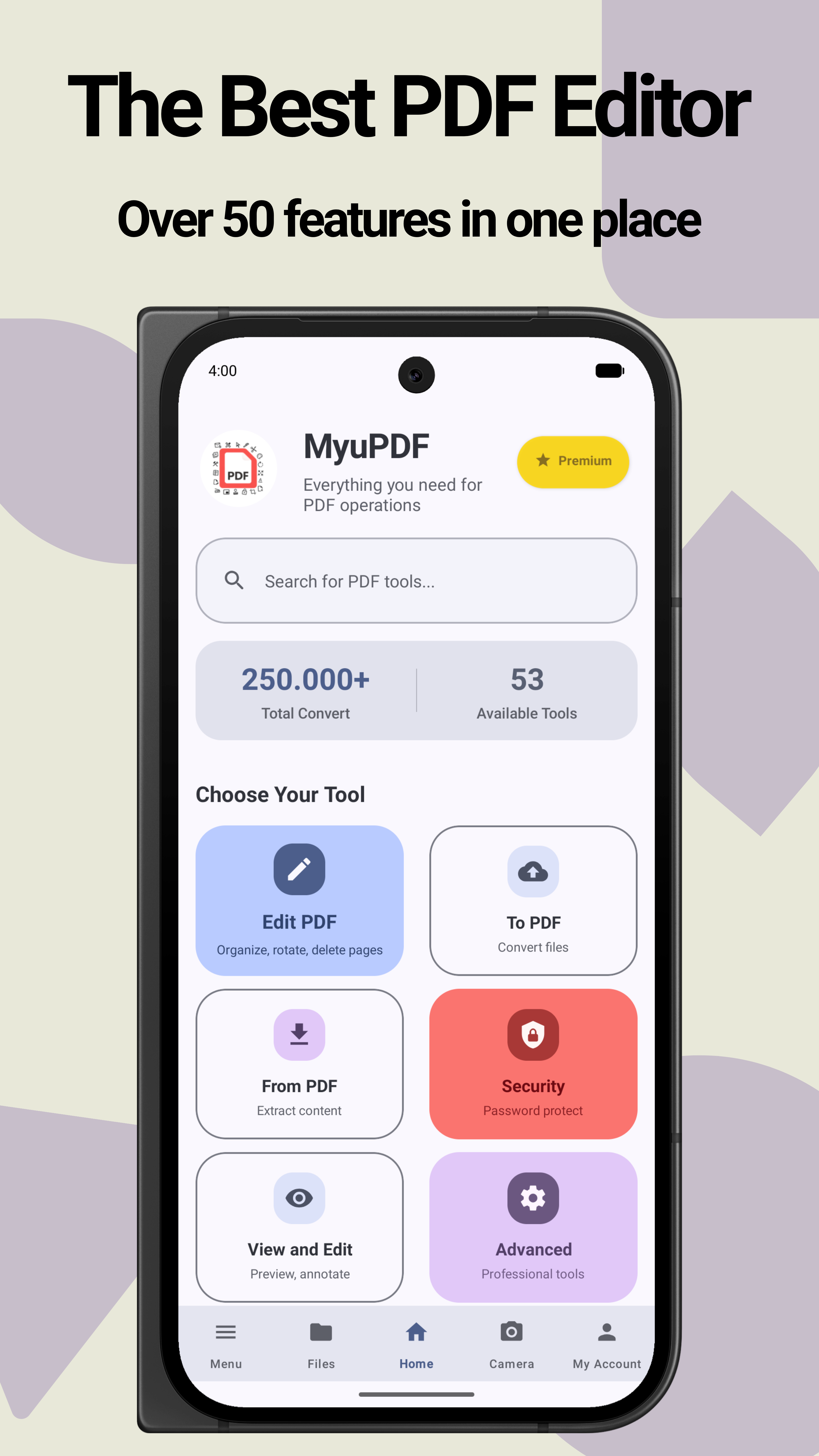
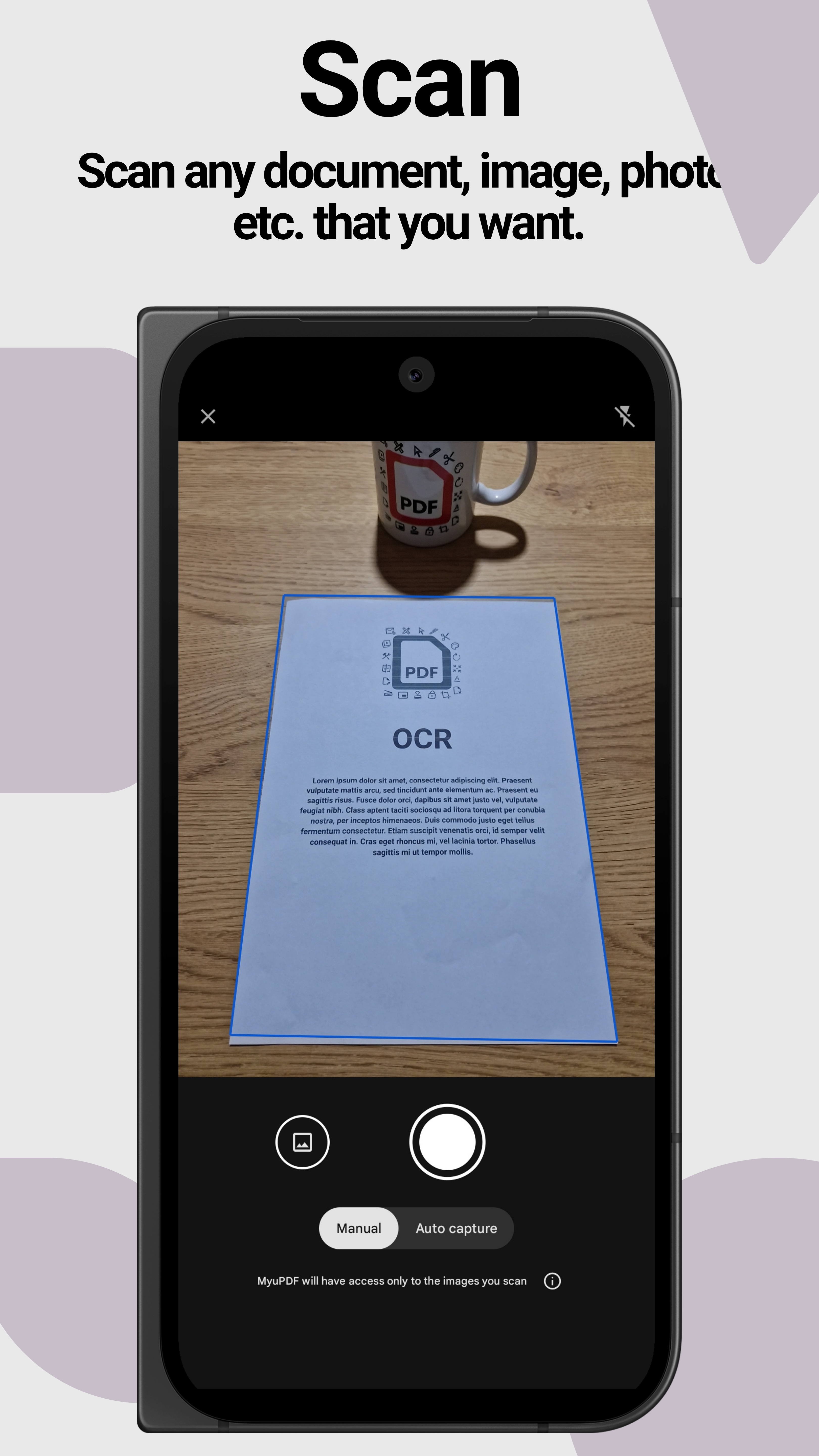
- Open, view and read PDF documents instantly
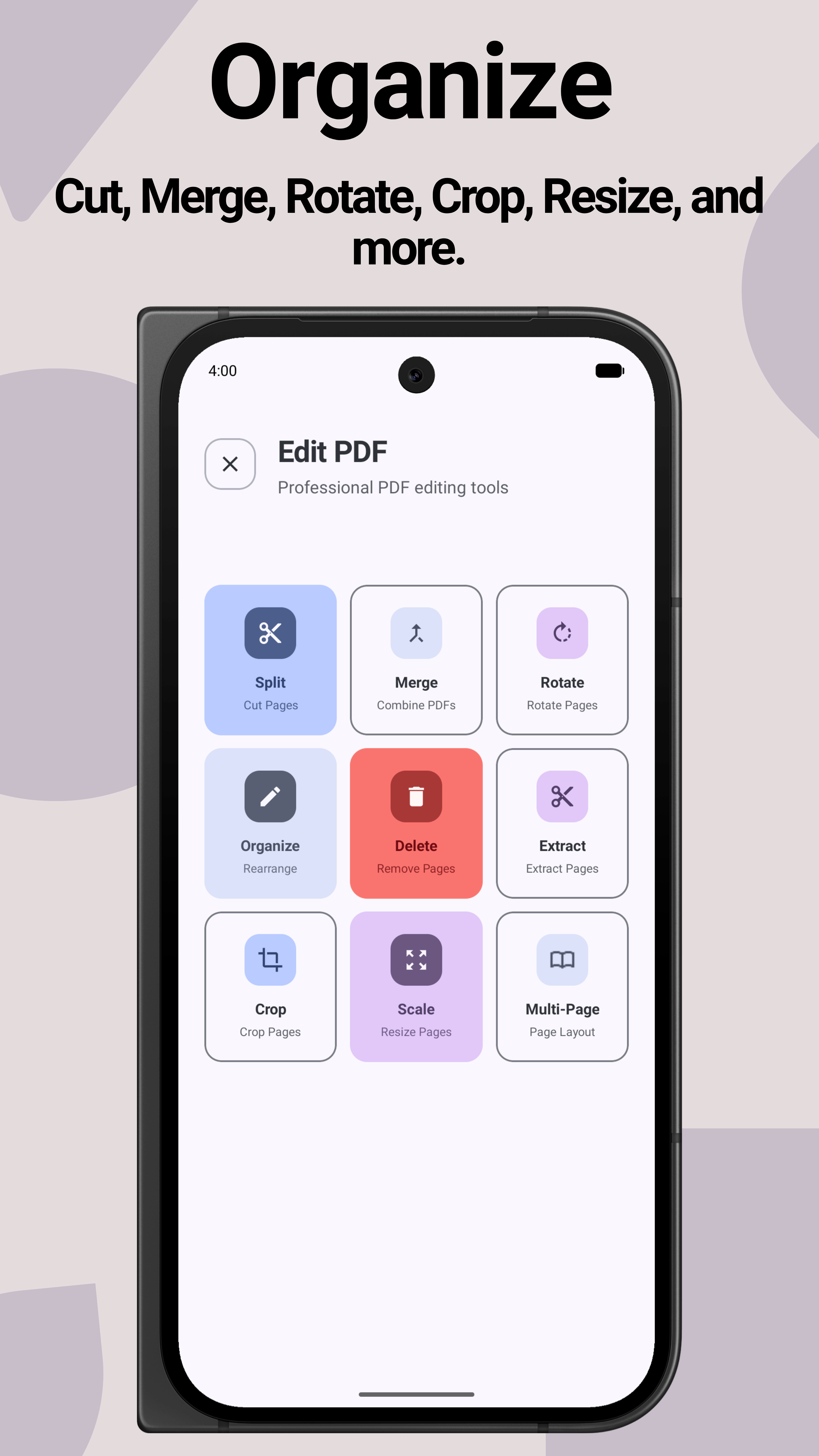
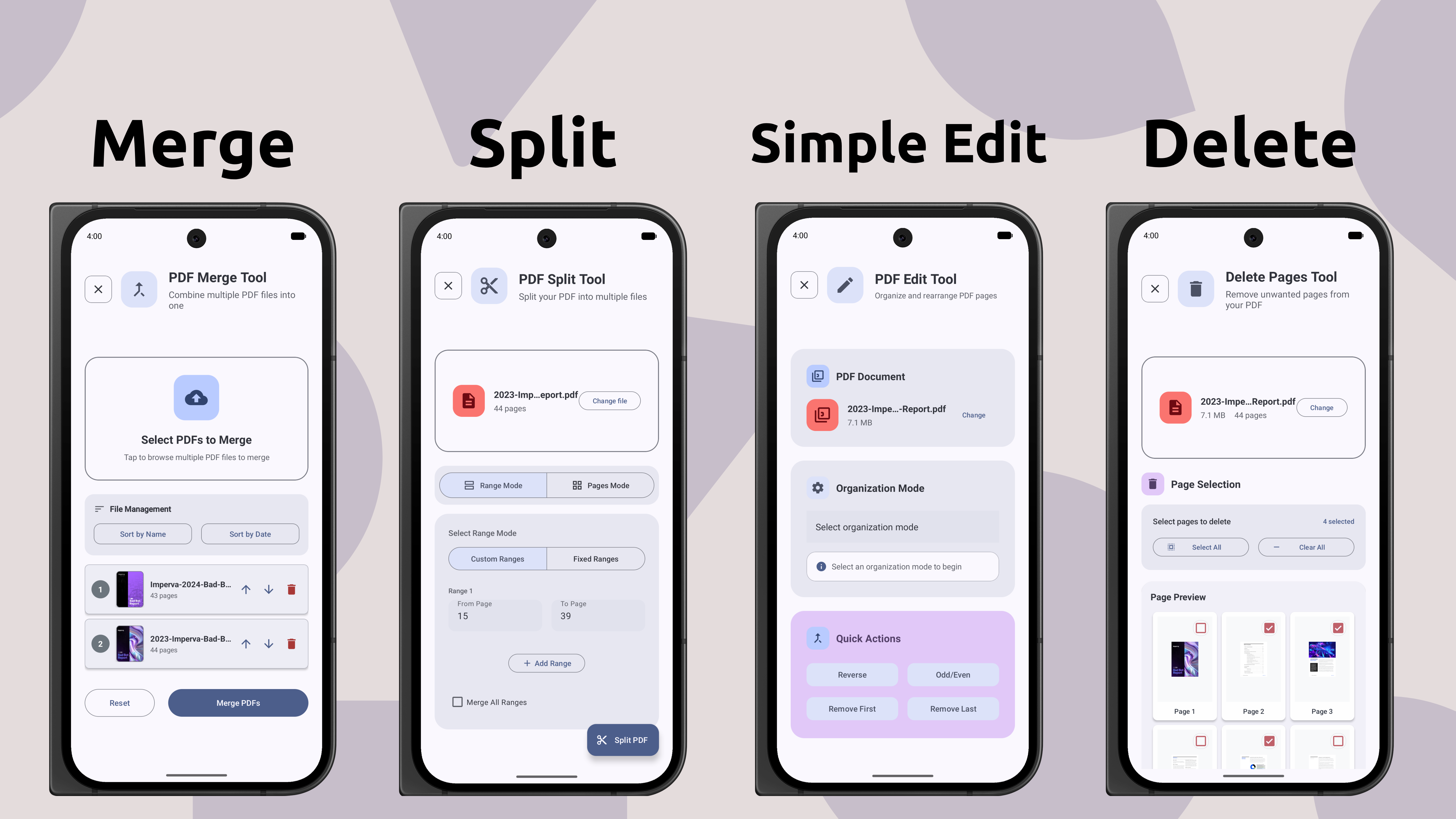
- Edit PDFs: add text, insert images, reorder or delete pages
- Convert PDF files into Word, Excel, TXT or more
- Merge multiple PDFs into one or split documents easily
- Add a digital signature to your documents
- Encrypt your files and redact text
- Share files via email, cloud storage and more
Why Choose MyuPDF?
- Simple interface: minimal, user-friendly design with no clutter
- Extra conversion options: support for multiple formats, beyond basic PDF tools
- Lightweight & Efficient: small app size, fast performance
- 20+ languages supported
- Many essential features are free
Perfect for Everyone
- Students: edit or combine study notes, convert lecture slides
- Professionals: manage work documents, add signatures, edit instantly
- Everyday users: read, merge, split or share any kind of PDF file
Experience the Difference
Tired of using many heavy, complicated and ad-filled PDF apps? MyuPDF is designed to be clean, lightweight and accessible for everyone.
Get MyuPDF on Google PlayContact
If you have any questions or feedback, feel free to reach out:
- Email: support@myupdf.com
App Screenshots
Take a look at some screens from MyuPDF: